In modern computing, understanding the difference between CPU and GPU is essential for anyone using a computer, whether for gaming, professional work, AI development, or everyday tasks. This CPU vs GPU guide explains how these two critical components work, what makes them different, and how they affect computer performance. By the end of this guide, you will clearly understand CPU vs GPU functionality, advantages, applications, and upgrade considerations.
What Is CPU vs GPU?
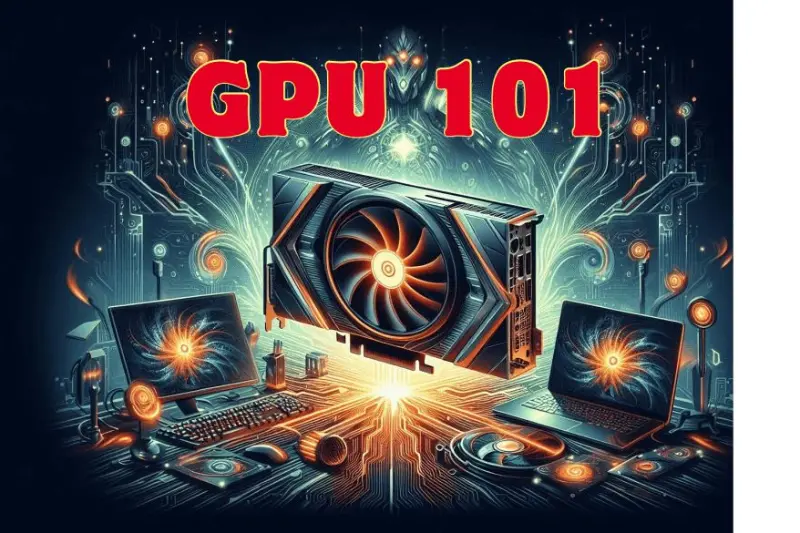
The CPU, or Central Processing Unit, is often called the brain of the computer. It executes instructions, performs calculations, and manages all other hardware components. In contrast, the GPU, or Graphics Processing Unit, specializes in rendering visuals, handling multiple operations simultaneously, and accelerating graphics-intensive tasks. This CPU vs GPU guide explores the unique roles and synergy between these two components.
CPU Explained
The CPU is responsible for general-purpose processing. It performs tasks sequentially but very efficiently. It handles operating system functions, application execution, and background processes. Key performance indicators of a CPU include clock speed, number of cores, threads, and cache size. High-performance CPUs allow fast multitasking and smooth operation of complex software.
GPU Explained
The GPU, in contrast, is designed for parallel processing. It contains thousands of smaller cores that can perform simultaneous calculations. Initially developed for graphics rendering, GPUs are now widely used in gaming, 3D modeling, video editing, and artificial intelligence. In this CPU vs GPU guide, understanding GPU capabilities is crucial for anyone needing high-performance visuals or computation-heavy tasks.
CPU vs GPU Core Differences
The main difference between CPU and GPU lies in task handling. The CPU is optimized for sequential serial processing, handling complex tasks one at a time. The GPU is optimized for parallel processing, managing thousands of simple tasks simultaneously. This CPU vs GPU guide highlights why both are essential for modern computing.
| Feature | CPU | GPU |
|---|---|---|
| Purpose | General-purpose processing | Graphics and parallel processing |
| Task Handling | Sequential, complex | Parallel, simple |
| Cores | Few, powerful | Thousands, smaller |
| Applications | OS, apps, multitasking | Gaming, rendering, AI |
| Upgrade Impact | Improves overall speed | Improves graphics and computation |
CPU vs GPU in Gaming
Gaming performance depends heavily on both CPU and GPU. The GPU controls frame rates, textures, resolution, shadows, and visuals, while the CPU manages physics, AI, game logic, and background processes. In this CPU vs GPU guide, gamers need to understand which component affects their gameplay most.
When GPU Is More Important
High-end gaming, 4K gaming, virtual reality (VR) games, and AAA titles rely heavily on GPU performance. A powerful GPU ensures smooth visuals, high FPS, and better graphical effects.
When CPU Is More Important
Strategy games, simulation games, or titles with complex AI logic depend on CPU processing. Multitasking and managing background applications also rely on CPU efficiency.
Balanced Setup for Gaming
The ideal gaming system balances a capable CPU with a strong GPU. This CPU vs GPU guide emphasizes that upgrading only one component may limit overall gaming performance.
CPU vs GPU for Video Editing
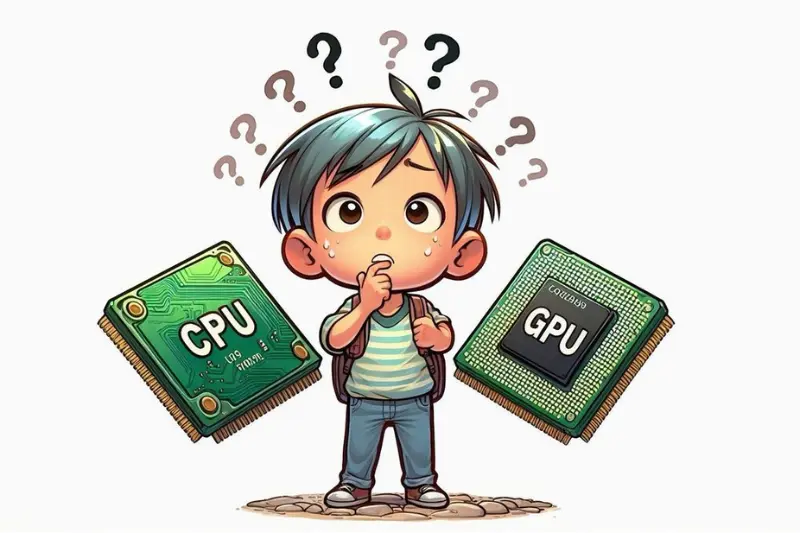
Video editing demands both CPU and GPU power. The CPU handles software operations, timeline management, and effect processing, while the GPU accelerates rendering, preview playback, and visual effects. In this CPU vs GPU guide, understanding this distinction helps creators choose the right hardware.
CPU Role in Editing
The CPU processes editing software instructions, handles complex computations, and ensures stable performance during intensive tasks.
GPU Role in Editing
The GPU speeds up rendering, improves playback, and allows smoother visual effects, making video editing faster and more efficient.
CPU vs GPU in AI and Machine Learning
Artificial intelligence and deep learning workloads benefit significantly from GPU acceleration. CPUs can perform AI computations, but GPUs process massive datasets simultaneously, reducing training time and improving efficiency. This CPU vs GPU guide explains why GPUs dominate AI development, neural networks, and data science applications.
When GPU Dominates
AI model training, deep learning simulations, and data analytics require GPUs for parallel computation.
CPU Support in AI
The CPU manages software execution, preprocessing tasks, and general system operations while the GPU handles heavy computation.
CPU vs GPU for Everyday Use
For regular users, the CPU often has more impact than GPU. Activities such as web browsing, office work, online classes, document editing, and media playback rely primarily on CPU performance.
When GPU Is Needed in Daily Use
GPU becomes relevant if users engage in light gaming, casual video editing, or 3D applications. Integrated GPUs within CPUs are sufficient for basic tasks.
Integrated GPU vs Dedicated GPU
Integrated GPUs are built into the CPU and consume less power. They are suitable for casual users and office tasks. Dedicated GPUs are separate cards with their own memory, designed for gaming, graphics design, AI, and professional workloads. This CPU vs GPU guide highlights the importance of choosing between integrated and dedicated options based on usage.
Choosing Between CPU vs GPU Upgrades
Understanding CPU vs GPU requirements helps in prioritizing upgrades. If your system feels slow during general tasks, upgrading the CPU or RAM may help. If games lag or rendering is slow, a dedicated GPU upgrade is more effective. This CPU vs GPU guide emphasizes analyzing workload before upgrading.
CPU vs GPU Power Consumption
CPUs usually consume less power compared to GPUs. High-end GPUs can draw significant electricity, especially during gaming, rendering, or AI computations. Proper cooling and a stable power supply are critical.
CPU vs GPU Price Considerations
CPUs are generally less expensive than high-end GPUs. Dedicated GPUs, particularly for gaming and professional workloads, can be significantly more costly. Budgeting depends on intended usage, and this CPU vs GPU guide helps in making cost-effective decisions.
You may also like to read these posts:
Latest Smartphone Reviews: Top Phones Tested 2025–2026
Top Laptop Reviews 2026 — Best Picks for Every Need
Wearable Tech Reviews 2026 — Top Gadgets Evaluated
Coding Tutorial for Beginners — Learn Programming 2026
Common Myths About CPU vs GPU
CPU always matters more than GPU – Not true; both are important depending on tasks
GPU only helps in gaming – False; GPUs help in editing, AI, and simulations
Upgrading GPU fixes slow system – Not always; CPU and RAM matter too
Integrated GPUs are useless – Integrated GPUs are sufficient for casual use
High GHz CPU always beats GPU – CPUs and GPUs serve different purposes
Frequently Asked Questions
What is the main difference between CPU and GPU?
CPU is designed for general-purpose sequential processing, while GPU handles parallel processing, making it ideal for graphics and computation-intensive tasks.
Can I play games with only a CPU?
Yes, basic games can run on CPUs with integrated graphics, but for high-end gaming, a dedicated GPU is recommended.
Do AI developers need a powerful GPU?
Yes, GPUs accelerate AI training, deep learning, and large-scale computations, reducing processing time significantly.
Which is more important for video editing, CPU or GPU?
Both are important. CPU manages software and timeline processing, while GPU accelerates rendering and visual effects.
Should I upgrade CPU or GPU first?
It depends on usage. Upgrade CPU for general speed and multitasking, upgrade GPU for gaming, rendering, and graphics-heavy work.
Conclusion
This CPU vs GPU guide explains the key differences, roles, and applications of both components. The CPU acts as the brain of the computer, managing operations, multitasking, and system control, while the GPU specializes in parallel processing, graphics rendering, AI computations, and professional workloads. Understanding CPU vs GPU helps users make smarter decisions for gaming, editing, AI development, and general use. Choosing the right balance ensures maximum performance and efficiency in modern computing.